Introduction
Almost every time I set up an Eclipse or Eclipse based (like Spring Source Tool Suite) IDE, sooner or later I need a good Properties file editor for editing translations in ResourceBundles. Unfortunately the one included into Eclipse - doesn't matter which Eclipse version - is not the best for this case.
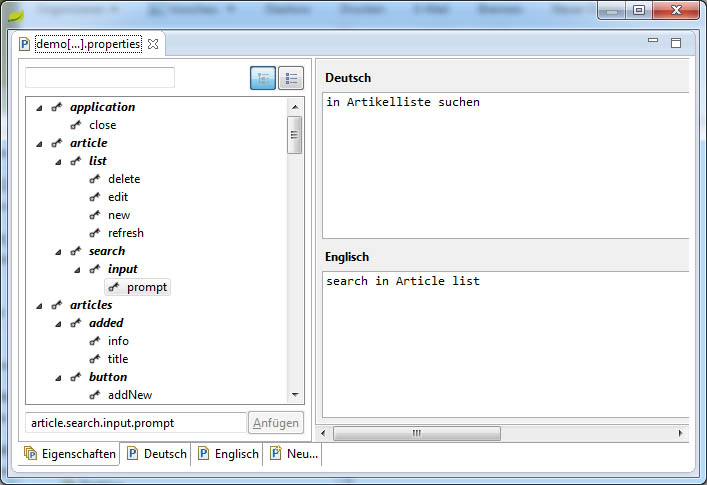
Fortunately there is a very good one out there in the Web: Eclipse ResourceBundle Editor
The special feature of this editor is that all translations for a key are shown at once so it is very easy to check out if a translation was left out.
Installation
Installation is simple despite the fact there is no Eclipse update site available.
- download the newest version of the Resource Bundle Editor ZIP file from the download site
- extract the ZIP file to your harddisk
- copy the folder com.essiembre.eclipse.i18n.resourcebundle_0.8.0 (depends on the version you downloaded) in the plugin folder of the ZIP to the plugins folder of your Eclipse installation
- restart Eclipse and enjoy the Resource Bundle Editor!
